
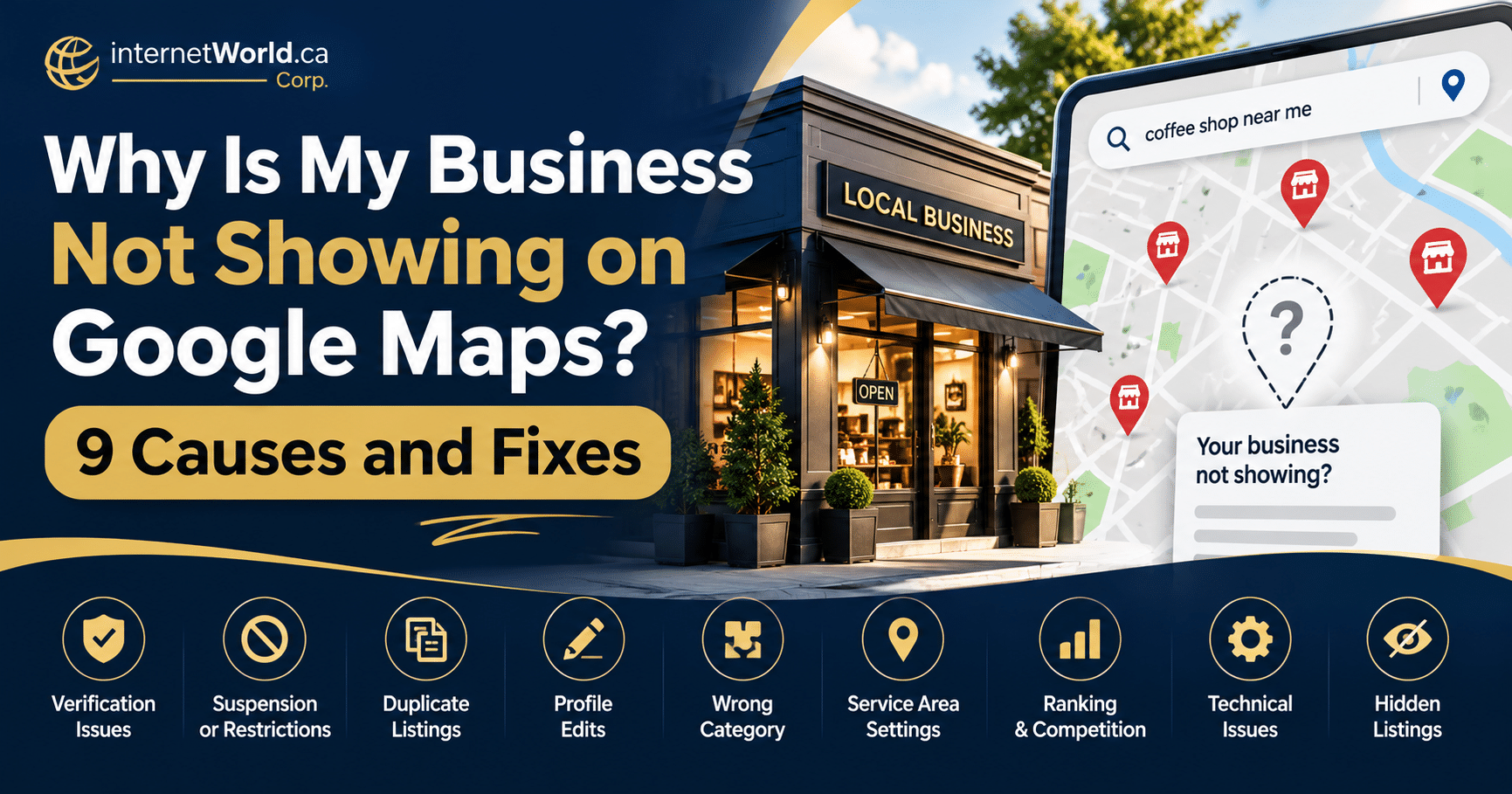
Why Is My Business Not Showing on Google Maps? 9 Causes and Fixes
Last updated on October 14, 2026 by Ron Reichert
If your business is not showing on Google Maps, the cause is usually one of three things: your Google Business Profile (formerly Google My Business) isn't verified, Google has suspended or disabled it, or it is live but ranking too low to appear for the searches you care about. A two-minute check tells you which one you're facing, and each has a different fix.
I've been active in SEO since 1993 and help businesses across Canada get back on Google Maps. This guide walks through the same diagnosis I start with, based on Google's own rules and help documentation.
Check This First: The 2-Minute Diagnosis
Before changing anything, find out what kind of problem you have. Changing your profile at the wrong moment can make things worse.
- Search your exact business name on Google Maps in a private or incognito window, signed out of Google. Try it on your phone too. Being signed in can show you a version of your profile customers don't see.
- Sign in and look at your profile's status. Search your business name while signed in to the Google account that manages it, or open the Google Maps app and tap Business. Look for a message asking you to verify, a suspension or disabled notice, or edits marked as pending.
- Search your main service plus your city, such as "roofer Red Deer" or "family lawyer Edmonton", the way a new customer would.
| What you see | What it usually means | Go to |
|---|---|---|
| Not found by name, and your dashboard asks you to verify | The profile isn't verified yet | Reason 1 |
| Not found by name, with a suspended or disabled notice | Google has restricted the profile | Reason 2 |
| Found by name, but with old details or the wrong pin | Pending edits, a duplicate, or someone else's edit | Reasons 3 to 5 |
| Not found by name, with no notice at all | A guideline problem, a duplicate, or a profile marked closed | Reasons 4 to 7 |
| Found by name, but not for your services | The profile is live but ranking low | Reasons 8 and 9 |
How Google Decides Which Businesses Show on Maps
According to Google's own help documentation, local results are based mainly on three factors:
- Relevance: how well your profile matches what the person searched for.
- Distance: how far your business is from the person searching, or from the location they searched.
- Prominence: how well known your business is, based partly on reviews, ratings and links from other websites.
Google also says that verified businesses with complete, accurate information are more likely to show up, and that there is no way to pay for a better local ranking. Every fix below comes back to these rules.
9 Reasons Your Business Isn't Showing on Google Maps
1. Your profile isn't verified, or verification is still processing
A new or unverified profile can exist in your account without appearing on Maps. Verification can be instant or take several business days, especially when Google asks for a video.
What to do: complete the verification method Google offers you, then leave the profile alone while it processes. Changing your name, address or category, or requesting a second verification, can restart the wait.
2. Your profile has been suspended or disabled
Google may suspend or disable Business Profiles that don't follow its guidelines. If the Google account that manages your profile is restricted, every profile in that account can be suspended at once. Common triggers include keywords in the business name, a virtual office or mailbox address, duplicate listings, and many edits in a short time.
What to do: fix the cause before you appeal, gather matching documents, and submit one clean appeal through Google's appeals tool. Our Google Business Profile recovery page explains the process and the mistakes that make recovery harder.
3. Recent edits are still under review
Google reviews changes to verified profiles before publishing them. Most reviews finish within minutes, but some take up to 30 days. Changes to your name, address or category get the most scrutiny, and they can briefly affect how your listing appears.
What to do: check whether each edit shows as Pending, Accepted or Not approved. Don't resubmit the same change or make new ones while a review is open.
4. A duplicate or old listing is showing instead
Moves, rebrands, a second owner, or a former employee or agency setting up a listing can leave two profiles for the same business. Google may show the wrong one, merge them, or filter both.
What to do: compare the Google Maps link, address, phone and review count of each listing you find. Keep the verified profile you control, and request removal or a merge for the duplicate through Google's support channels rather than simply deleting it.
5. Someone else's edit changed or closed your listing
Anyone can suggest edits to a business on Google Maps, including marking it as moved or permanently closed, and Google can apply some of these changes. Google can also update your information from other sources.
What to do: turn on Business Profile notifications so you see suggested edits, check your profile for "Google updated" information, and correct anything wrong right away from your verified account.
6. Your business name or address breaks Google's guidelines
Google's guidelines for representing your business require your real business name, as used on your signage and documents, and an address where you actually operate. "Smith Plumbing Calgary Emergency 24/7" is a classic example of a name that gets filtered or suspended.
What to do: use your exact legal or trade name with no added cities or services, and only an address with permanent staffed presence. If a guideline problem has already caused a suspension, fix it before appealing.
7. Your service-area settings are wrong
If you serve customers at their location, as most contractors and mobile services do, you should hide your address and list the areas you serve instead. Showing a home address that customers can't visit breaks Google's guidelines. Hiding the address of a storefront that customers do visit can hurt how you appear.
What to do: match your settings to how you actually work, and list realistic service areas, such as Calgary, Airdrie and Okotoks, rather than an entire province.
8. Your primary category doesn't match the search
Your primary category tells Google what kind of business you are, and it drives which searches you can appear for. A heating company listed only as "Contractor," or a law firm listed under a general category, can be invisible for the searches that matter most.
What to do: choose the most specific category that describes your core business, add accurate secondary categories, and fill in your services, description, hours and photos completely.
9. You are showing, just not near the top
If you appear when you search your name but not when you search your service, your profile is working. It's being outranked. Distance plays a large role, so a business in north Edmonton may rarely appear for searches made in the south end, and a new profile with few reviews will struggle against established competitors.
What to do: build prominence steadily by earning genuine reviews and replying to them, posting updates, adding photos, keeping your website's service pages strong and consistent with your profile, and earning mentions on local websites.
What Not to Do While You're Missing From Maps
- Don't create a new profile for the same business. It looks like a duplicate and can make an existing problem worse.
- Don't keep editing. Repeated changes can restart reviews and add new issues.
- Don't add keywords to your name to make up for lost visibility.
- Don't buy reviews or offer incentives for them. Both break Google's policies.
- Don't trust callers who claim to be from Google and demand payment to "fix" or "verify" your listing.
When to Get Help
Many visibility problems can be fixed by the owner. Get help when the stakes are high or the cause isn't clear.
Which service fits your situation
Suspended, disabled, or a denied appeal: see Google Business Profile recovery, available across Canada.
Never verified, half-finished, or missing from Bing: see Google Business Profile and Bing Places setup.
Live but ranking low: see our SEO and AEO plans, which include ongoing Google Business Profile management.
Frequently Asked Questions
Why does my business show up when I search its name but not for my services?
Your profile is live, so the problem is ranking, not visibility. For service searches, Google weighs relevance, distance and prominence, so a business can appear by name everywhere but rank for its services only near its location. Make sure your primary category matches the search, complete your services and description, and keep earning genuine reviews and mentions on local websites.
How long after verification does a business appear on Google Maps?
Often within a few days of verification being confirmed, though it can take longer when Google reviews the profile manually. A new profile may stay hidden while verification is processing. During that time, avoid changing your name, address or category, and don't request a second verification, because both can restart the process and delay your listing.
Can someone else's edit remove my business from Google Maps?
Yes. Anyone can suggest edits to a business on Google Maps, including marking it closed or moved or changing its hours, and Google can apply some of them. Turn on Business Profile notifications so you see suggested edits, check your profile regularly for Google updates, and correct anything wrong right away from your own verified account.
Can I pay Google to get my business back on Maps?
No. Google states there is no way to request or pay for a better local ranking. Google Ads can place your business in sponsored positions, but those are labelled as ads and don't fix an unverified, suspended or incomplete profile. The listing itself has to follow Google's guidelines and earn its place in the regular map results.
Is Google My Business the same as Google Business Profile?
Yes. Google My Business was renamed Google Business Profile in late 2021, and most profile management moved into Google Search and the Google Maps app. Many owners still call it GMB, and the same rules for verification, guidelines and suspensions apply. Advice you find about GMB applies to your Google Business Profile today.
Not Sure What's Wrong? Talk to Ron First
Call or text before you change your profile or submit an appeal. A short conversation usually shows what's wrong. Monday to Friday, 8:30am–5:00pm. internetWorld.ca Corp. is an independent company and is not affiliated with Google.
